
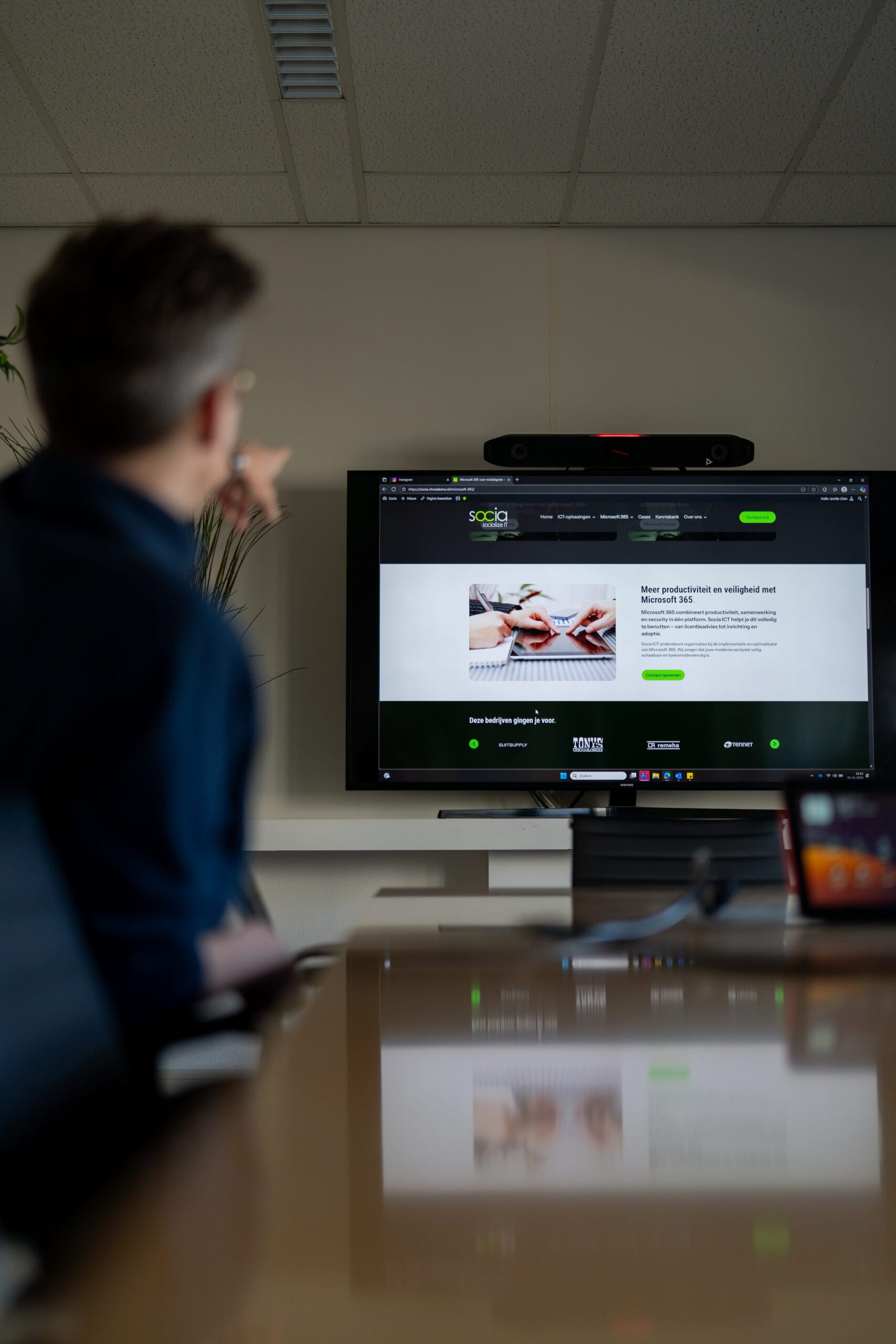
This is how Socia ICT helps you with Azure Virtual Desktop
With Azure Virtual Desktop, you work in a full Windows environment running on Microsoft Azure. Ideal for organisations with compliance requirements, fixed application profiles or resource-intensive software. Socia ICT handles architecture, implementation, management and user support.
Flexible and scalable
Easily add workstations or adjust capacity per team, role or project.
Performance for resource-intensive applications
ERP, CAD, Power BI or bespoke software runs in the cloud, not on local PCs.
Centrally secured and managed
Access via Entra ID, Conditional Access, MFA and Intune policies.
Fully managed by Socia ICT
We take care of set-up, monitoring, updates and cost control.
Other IT solutions

Azure Virtual Desktop: one workspace, the same experience everywhere
Azure Virtual Desktop offers employees a full Windows environment, accessible via laptop, thin client or browser. Applications, permissions and security are managed centrally, meaning IT spends less time on individual installations and complex endpoint configurations.
Socia ICT helps organisations design, migrate and manage Azure Virtual Desktop. We tailor workloads, identity, security policies and cost structures to your organisation, with support for multi-session, dedicated desktops and Windows 365 variants.
These companies have already made the switch






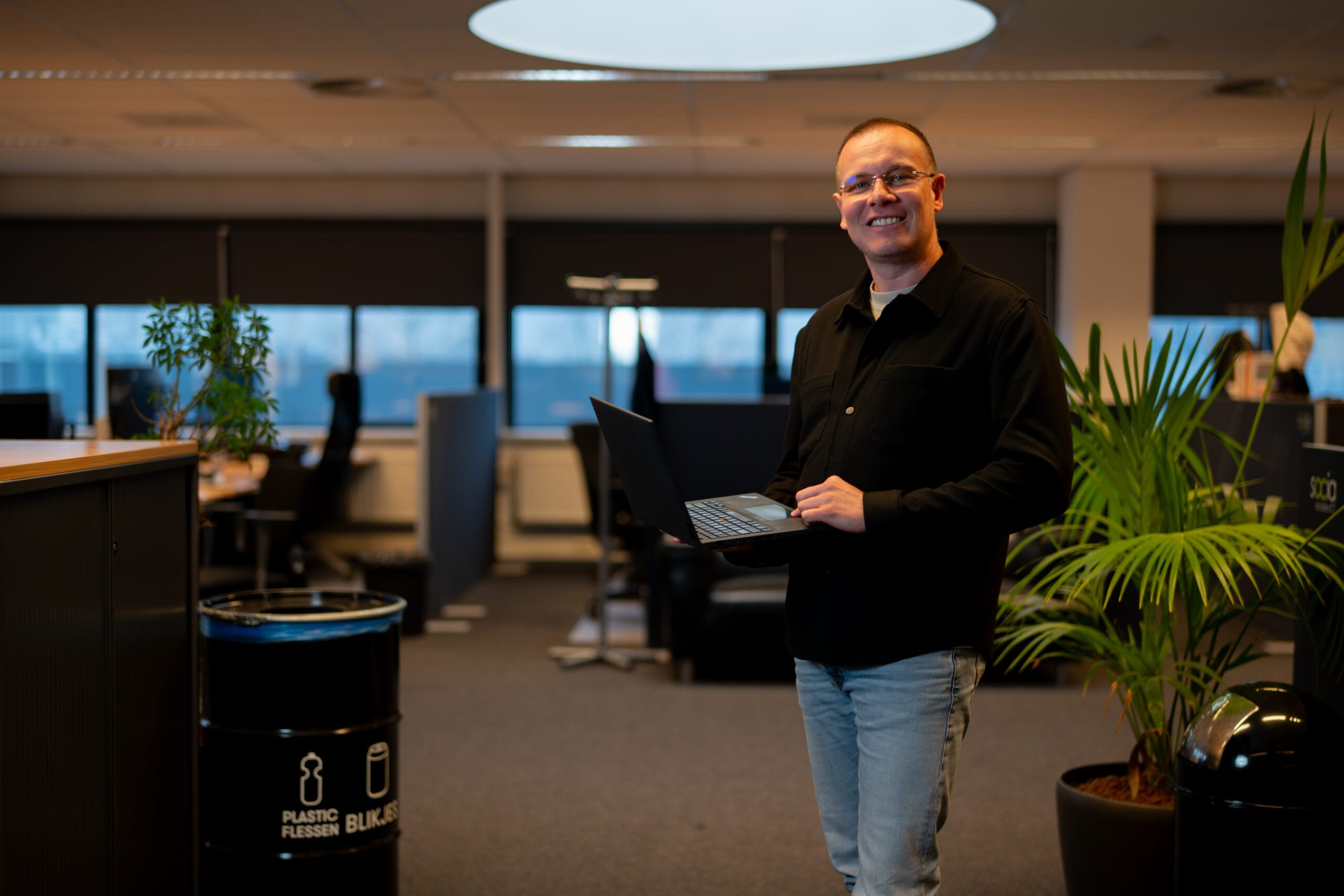
A scalable virtual Windows workstation
Together, we’ll assess whether Azure Virtual Desktop is suitable for your applications, security policy and user profiles: no sales pitches, just realistic scenarios.
Book a meeting with a technical consultant from Socia ICT and discover how Azure Virtual Desktop can help your organisation achieve flexibility, control and performance.
Expertise and case studies

For an organisation with thousands of employees spread across multiple locations, well-organised workplace management is not a luxury but a necessity.
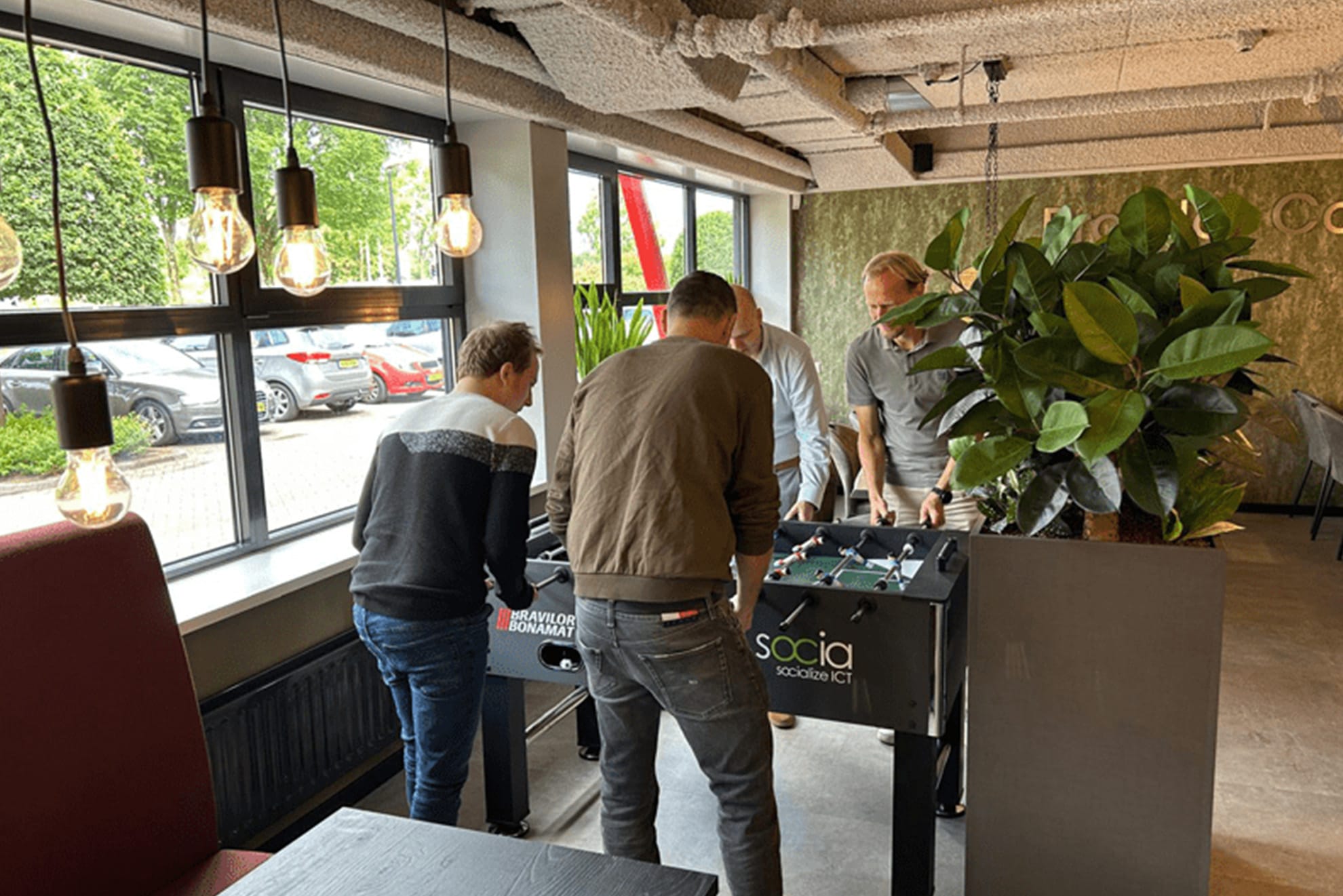
Anyone who works at Bravilor Bonamat knows that simplicity is key. Things simply have to work properly, whether it’s a coffee machine or IT systems.

When the world suddenly switched to working from home, Socia offered an innovative solution: the web portal.
What others say about us
Azure Virtual Desktop for businesses: secure virtual workstations from the Microsoft cloud
Azure Virtual Desktop enables Windows workstations to be hosted centrally in Microsoft Azure. Employees log in via a laptop, PC or browser and always receive the same managed working environment, regardless of location or device. This makes Azure Virtual Desktop ideal for organisations seeking to standardise, control costs or make applications centrally available.
Unlike traditional workstations, applications do not need to be installed on each device. Everything runs in the cloud, meaning that performance, security and updates are managed centrally. This prevents configuration discrepancies, reduces the administrative burden and ensures that sensitive data is not stored locally.
Socia ICT supports businesses with the architecture, implementation and management of Azure Virtual Desktop environments. We ensure the right balance between costs, performance and security requirements. Using Microsoft Entra ID, we manage access, Conditional Access, MFA and rights management. Policies and compliance settings are assigned via Intune, ensuring that workstations comply with internal and external guidelines.
Azure Virtual Desktop can be set up as a multi-session environment – ideal for teams using the same applications – or as a dedicated desktop for staff with individual requirements. Thanks to Azure, you can easily scale up or down depending on the project, department or season.
We don’t just help with the technology, but also with adoption, onboarding, offboarding and the entire lifecycle. New staff start work immediately with a fully set-up workstation, whilst access and data are securely locked down as soon as someone leaves.
With Socia ICT, you’re not just choosing an Azure Virtual Desktop environment, but a managed workplace solution that suits your organisation, security requirements and application landscape.